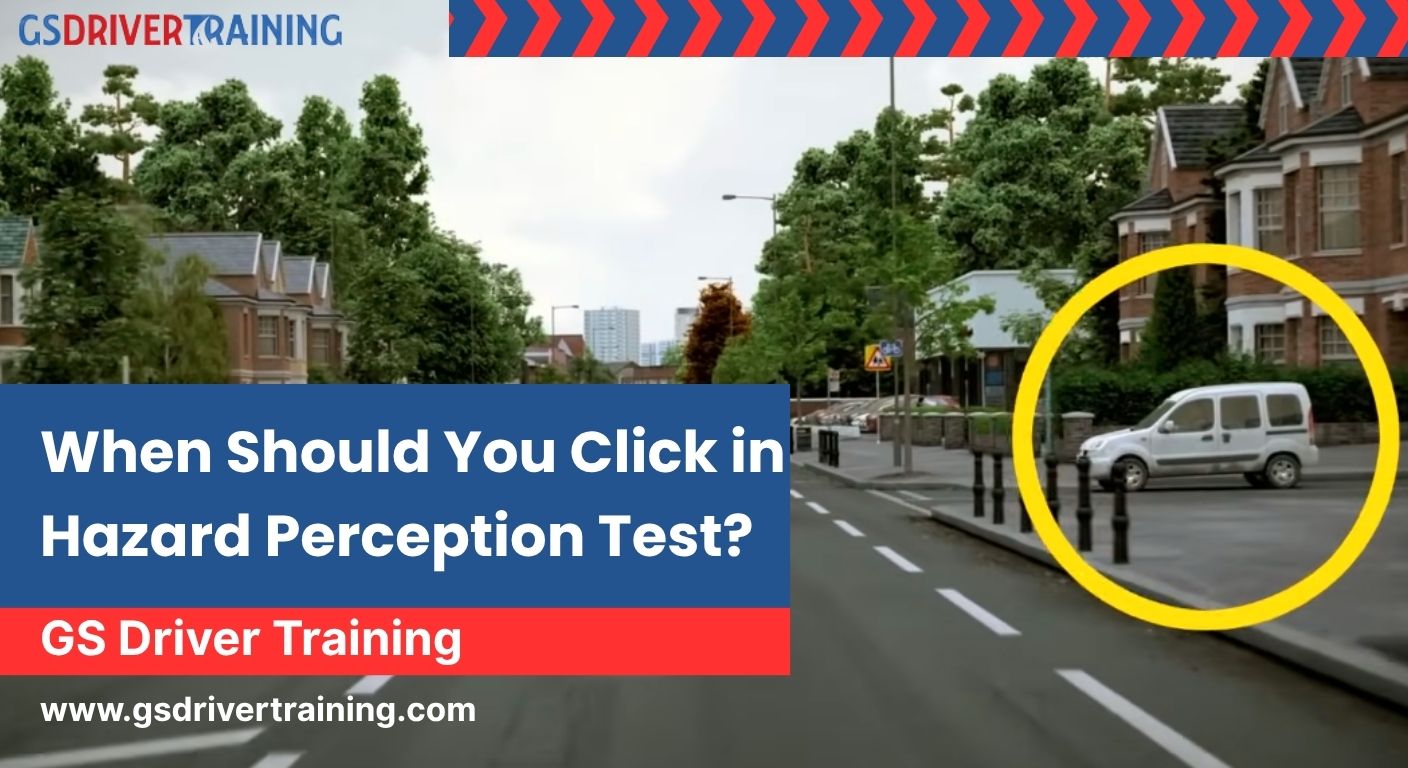
The Hazard Perception Test is one of the most important parts of the UK driving theory exam. Whether you are preparing for a car, motorcycle, or HGV hazard perception test, knowing exactly when to click can make the difference between passing and failing. Many candidates feel confused and often ask questions like:
-
How many times can you click on hazard perception?
-
What should I click on during the hazard perception test?
-
Is the 3-click method allowed?
This complete guide explains everything you need to know, including timing, scoring, hazards, best strategies, and answers to the most common questions learners ask before taking the test.
What Is the Hazard Perception Test?
The Hazard Perception Test (HPT) checks how quickly you can identify developing hazards on the road. A developing hazard is any situation that requires you to change speed or direction. The purpose of the test is to ensure that new drivers understand risk, can react early, and can identify danger in real-life driving situations.
The test applies to drivers across categories, including:
-
Car
-
Motorcycle
-
HGV / LGV
-
PCV drivers
The test consists of 14 video clips, and each clip shows everyday road situations such as traffic, junctions, pedestrians, cyclists, and parked vehicles.
What Counts as a Developing Hazard?
A developing hazard is something that forces you to:
-
Slow down
-
Steer differently
-
Brake
-
Stop the vehicle
Common examples include:
-
A car pulling out from a side road
-
A cyclist moving into your lane without warning
-
A pedestrian walking onto the road
-
A vehicle braking suddenly
-
A parked car starting to move
It is important to understand that not every object on the road is a hazard. For example:
-
A parked vehicle is not a hazard unless it begins to move.
-
A pedestrian standing still on the pavement is not a hazard until they step into the road.
Knowing the difference between a potential hazard and a developing hazard helps improve your clicking accuracy.
When Should You Click in the Hazard Perception Test?
Many learners fail not because they don’t see hazards, but because they don’t know when to click. The system rewards early detection, and the best scoring moments are within the early hazard window.
Here’s the simple rule:
Click when you notice a potential hazard
This might be the earliest moment when something looks like it could develop.
Click again when the hazard starts to develop
For example, a car edges forward at a junction.
Click a final time if the hazard fully develops
This ensures you hit the top scoring window.
This natural 2–3 click pattern is one of the safest and most effective strategies, often called the hazard perception 3-click method.
How Many Times Can You Click on Hazard Perception?
This is one of the most common questions learners ask.
There is no official maximum number of clicks allowed.
However, the system does monitor for:
-
Rapid repeated clicking
-
Clicking in a pattern (double-tap, triple-tap)
-
Clicking too frequently without a reason
If the system detects suspicious clicking behaviour, you may receive a zero score for that clip.
The safest approach is:
Use 2–3 well-timed clicks
Click naturally
Avoid repeated or rhythmic clicking
This method ensures the system recognises your clicks as genuine hazard responses.
How Many Hazard Perception Clips Are There?
The official DVSA format includes:
-
14 video clips
-
13 clips have one developing hazard
-
1 clip contains two hazards
So, in total, you will identify 15 developing hazards.
Each hazard is scored from 0 to 5 points, based on how early you click.
How Does Scoring Work?
The scoring window opens when the hazard starts to develop. The earlier you click within that window, the more points you earn.
Points awarded:
-
5 points – Very early and accurate click
-
4 points – Early
-
3 points – Moderate
-
2 points – Later response
-
1 point – Very late
-
0 points – Too early, too late, or no click
You do not lose points for clicking too early, but you won’t earn points unless your click lands within the scoring zone.
How Many Points Do You Need to Pass Hazard Perception?
The required score depends on the licence category:
- Car & Motorcycle: 44 out of 75
- HGV / LGV / PCV: 67 out of 100
This is why technique and timing matter so much, especially for professional drivers.
What Should You Click on During the Hazard Perception Test?
You should only click on:
-
Developing hazards
-
Real changes in the driving environment
You should NOT click on:
-
Parked cars
-
Road signs
-
Static pedestrians
-
Static cyclists
-
Non-moving vehicles
-
Random objects
Clicking on non-hazards does not help you and may lead to suspicious clicking patterns.
Best Techniques for Scoring Higher
1. Treat Every Clip Like Real Driving
Don’t stare at the centre of the screen. Scan the road the same way you would when sitting behind a wheel.
2. Watch the Edges of the Road
Most hazards come from:
-
Side roads
-
Pedestrians on pavements
-
Parked vehicles
-
Junctions
3. Expect Hazards During Busy Scenes
Clips showing:
-
Traffic
-
Schools
-
Narrow streets
-
Pedestrians
-
Cyclists
…almost always contain hazards.
4. Use Official DVSA Practice Clips
These clips are closest to the real test and help build hazard recognition patterns.
5. Keep Calm and Avoid Over-Clicking
Click naturally. Nervous clicking can lead to zero points.
Why the Hazard Perception 3-Click Method Works
The 3-click technique ensures you don’t miss the scoring window.
It works as follows:
- Click 1: When you first notice a potential hazard
- Click 2: When it begins to develop
- Click 3: When it becomes a clear hazard
This protects you from missing the scoring zone because:
-
If you click too early, a later click covers it
-
If the window opens slightly later than expected, click 2 or click 3 catches it
-
It avoids the system flagging you for over-clicking
It’s safe, natural, and used by thousands of successful learners.
Final Thoughts
The Hazard Perception Test is not just a requirement — it’s a real-life skill that keeps you safe on the road. Knowing when to click, recognising hazards early, and practising regularly will dramatically improve your chances of passing.
By using the right timing, following the hazard perception 3-click method, and avoiding over-clicking, you can confidently achieve your target score and move one step closer to earning your licence.
FAQ
1. How many times can you click on the hazard perception test?
Ans: You can click multiple times, but avoid rapid or repeated clicking. Use 2–3 well-timed clicks for each hazard.
2. What is the hazard perception 3-click method?
Ans: The 3-click method involves clicking when you first notice a potential hazard, when it starts developing, and when it fully develops.
3. How many hazard perception clips are there?
Ans: There are 14 clips. One clip contains two hazards, making a total of 15 hazards.
4. How many points do you need to pass hazard perception?
Ans:
-
Car/Motorcycle: 44/75
-
LGV/HGV: 67/100
5. What should I click on in the hazard perception test?
Ans: Click only on developing hazards — situations that require you to slow down or change direction.
6. Is over-clicking allowed in the hazard perception test?
Ans: No. Excessive clicking may lead to the system awarding zero points for that clip.
7. Can I click too early?
Ans: You won’t be penalised, but clicking too early may not score points unless it’s within the scoring window.
8. Is the hazard perception test difficult?
Ans: Not if you practice. Using DVSA clips and learning when to click makes the test manageable.
9. Does the LGV hazard perception test have different scoring?
Ans: Yes. LGV candidates must score 67 out of 100, and the clips are more demanding.
10. What do I click on hazard perception?
Ans: You should click when you notice a developing hazard—something that changes in a way that may force you to slow down, stop, or change direction. This includes pedestrians stepping forward, cars pulling out, cyclists swerving, or vehicles braking suddenly. Your click tells the system that you identified the hazard at the right time.